
Shortcuts, grouped your way
Build a clean visual speed dial. Create groups, reorder tiles with drag and drop, and save the page you’re viewing from the toolbar.
Bring shortcuts, live Chrome bookmarks, and focused todo workspaces into one private dashboard—ready whenever you open a tab.
No account. No ads. Works offline.
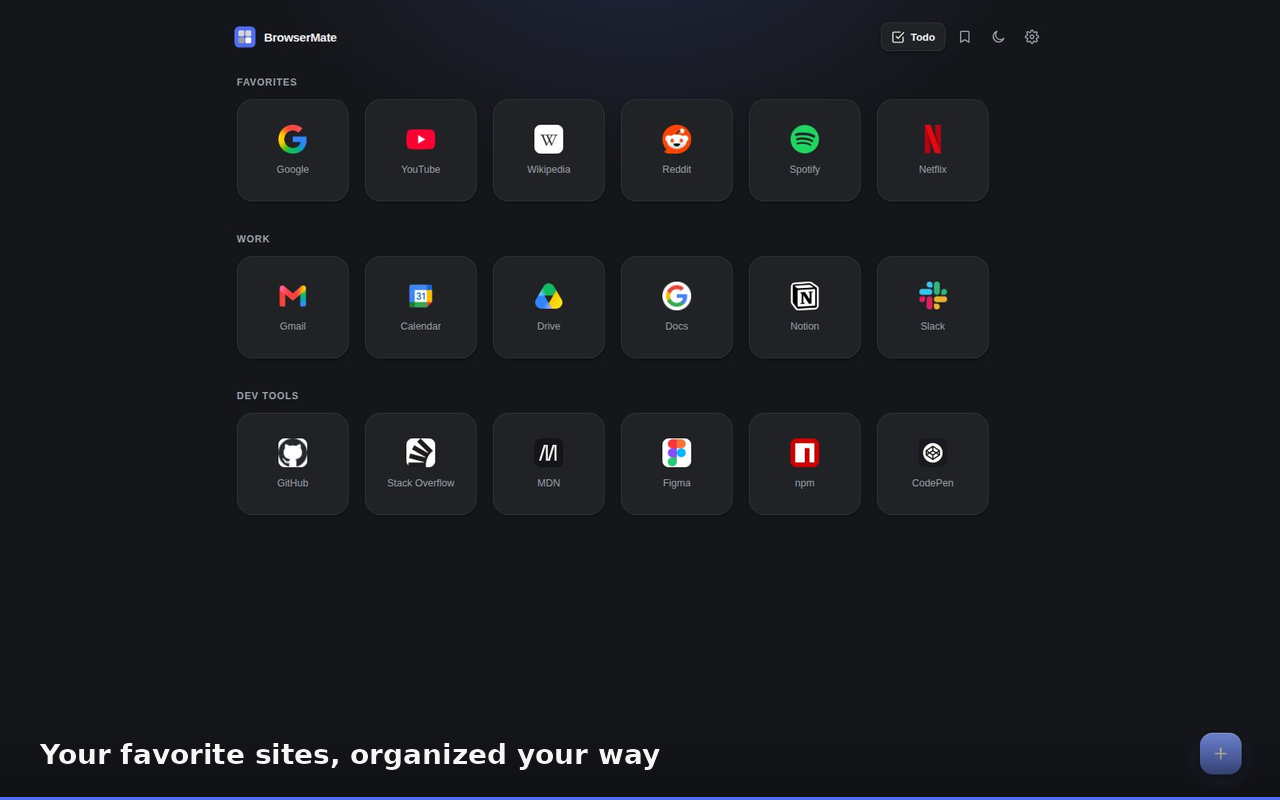
BrowserMate puts your daily destinations and next actions close at hand, without turning the new tab into another feed.
Build a clean visual speed dial. Create groups, reorder tiles with drag and drop, and save the page you’re viewing from the toolbar.
See, rename, move, and delete the bookmarks already in Chrome. No duplicate library and no stale copy.
Separate work, personal, and side projects. Capture tasks and notes, track progress, and keep each workspace independent.
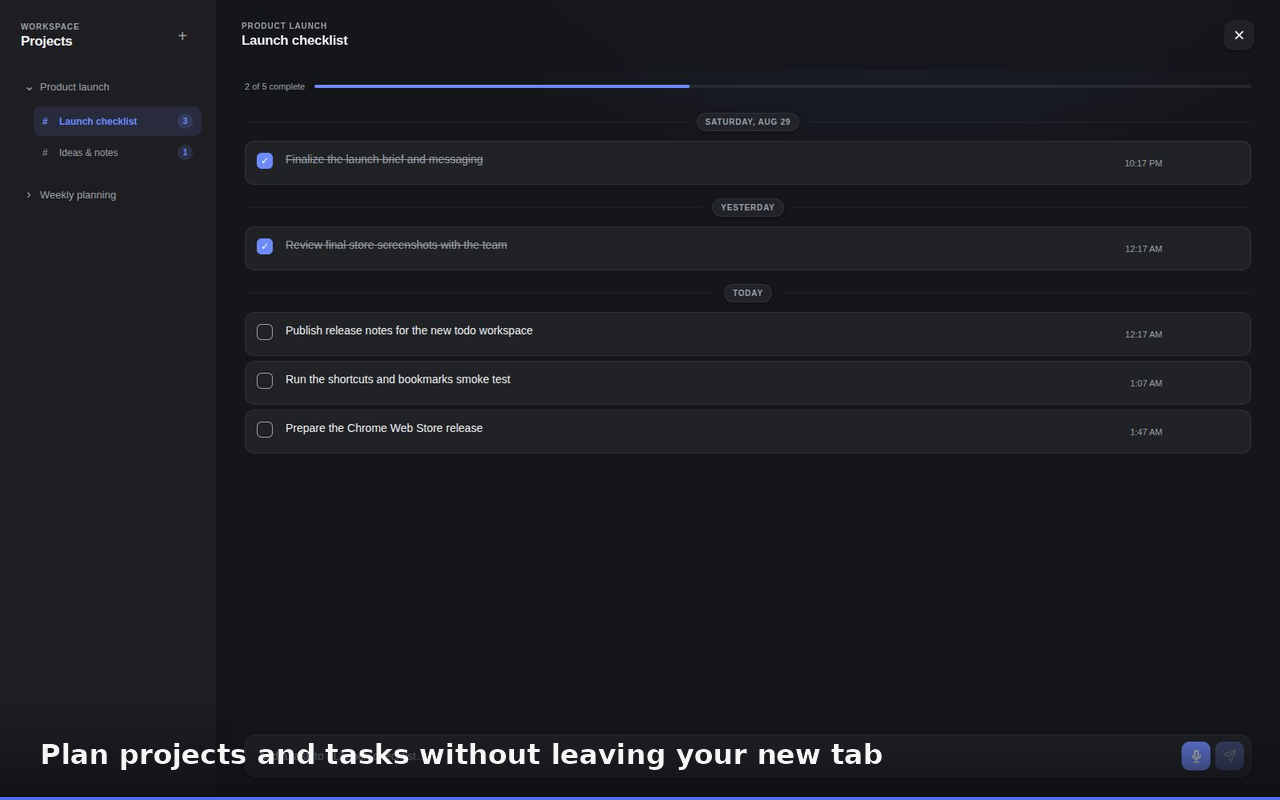
Open a fresh tab and your projects are already there. BrowserMate’s todo workspaces keep tasks, notes, and useful links together—without demanding a new account or another cloud service.
BrowserMate’s core data stays in Chrome’s local extension storage. It does not require a BrowserMate account, and the current extension includes no ads or analytics.
Read the privacy policyYou can export a complete local backup whenever you like. Optional BrowserMate accounts and cloud backup are planned, but they will complement the local-first experience—not replace it.
Cloud sync · PlannedNo. Install it and start organizing. Your shortcuts, settings, and todo workspaces live in Chrome’s local extension storage on your device.
No. BrowserMate shows your existing Chrome bookmarks live and lets you manage them in place. It does not copy them into a separate database.
Yes. Export your shortcuts, groups, settings, and todo workspaces to a local JSON file, then import it when you need it.
Not yet. Accounts and optional cloud backup are planned. BrowserMate will remain useful offline and without an account.
No analytics or advertising are built into the current extension. BrowserMate does not collect your shortcut URLs, bookmark data, or todo text.

Install BrowserMate and organize your browser in a few minutes.